
Comments
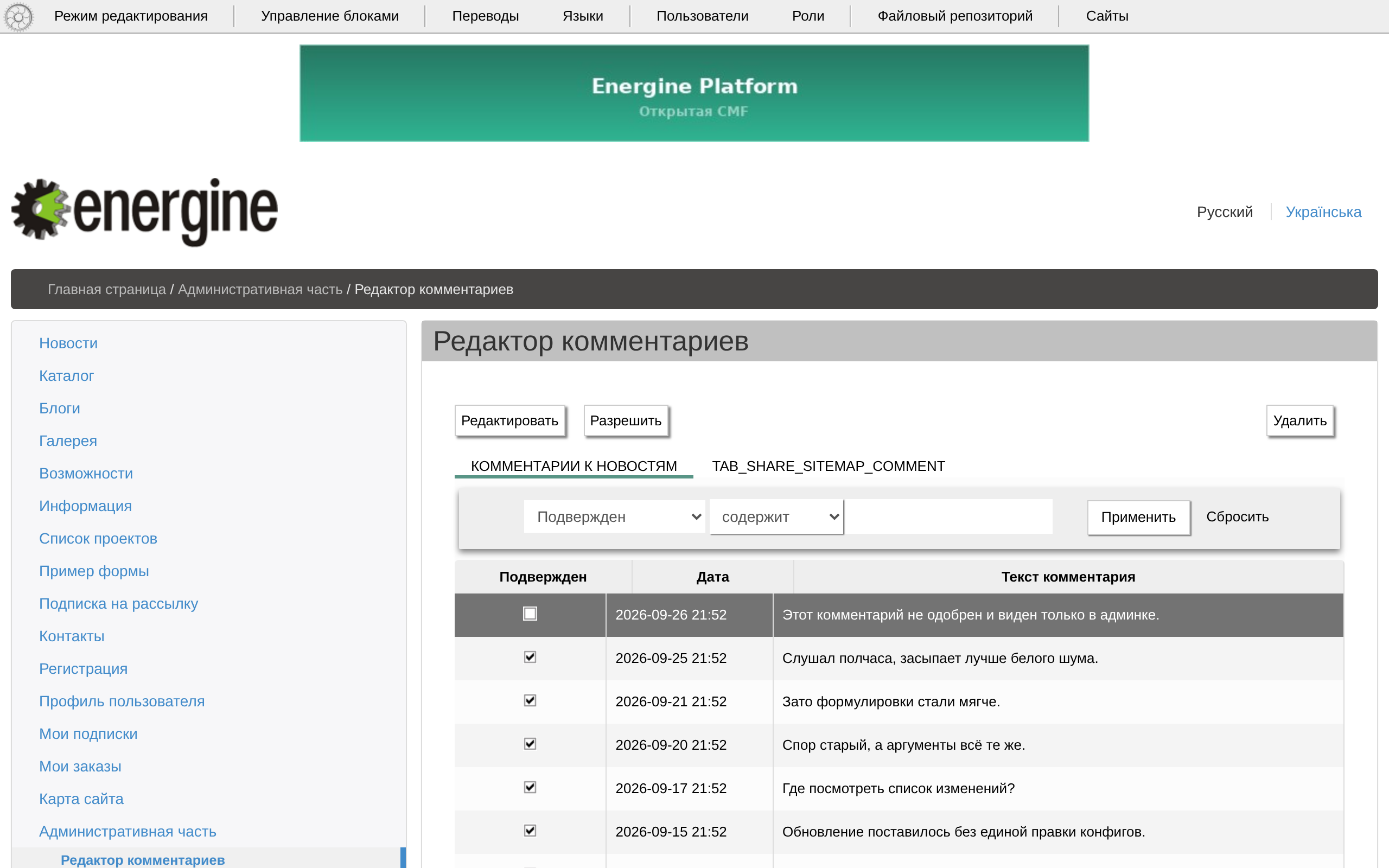
Comments attach to news, blog posts and text pages: the comments module adds a list and a form under them.
On the site
Energine\comments\components\CommentsForm is bound to a component of the page — param bind — in one of its states: bind_state is view for a news item or a post, main for the page itself. comment_tables names the table: apps_news_comment, blog_post_comment or share_sitemap_comment.
is_treeturns on replies;allows_anonymous(on by default) lets guests comment under a name;textLimitis the length of a comment, 250 characters by default;show_commentsandshow_formshow the list and the form.- The shipped pages: news — guests may comment — blog posts — signed-in users only — and a text page with comments,
textblock_comments.content.xml, which the template list shows asCONTENT_TEXTBLOCK_COMMENTS. - «Ответить» (Reply) and editing one's own comment appear only to users who may edit the page; others write new comments.
- New comments appear at once: approval does not hide them.
Moderation
«Редактор комментариев» (Comments editor, /admin/comments-editor/) has the tabs «Комментарии к новостям» (Comments on news) and «Комментарии к статьям» (Comments on pages), with «Редактировать» (Edit), «Удалить» (Delete) and «Разрешить» (Approve), which marks a comment approved. Blog comments are at /admin/blogs/comments/. An administrator edits and deletes any comment; since 2.13 guests can no longer edit anonymous comments.
Anonymous comments have no protection from bots; see Known risks.