
News
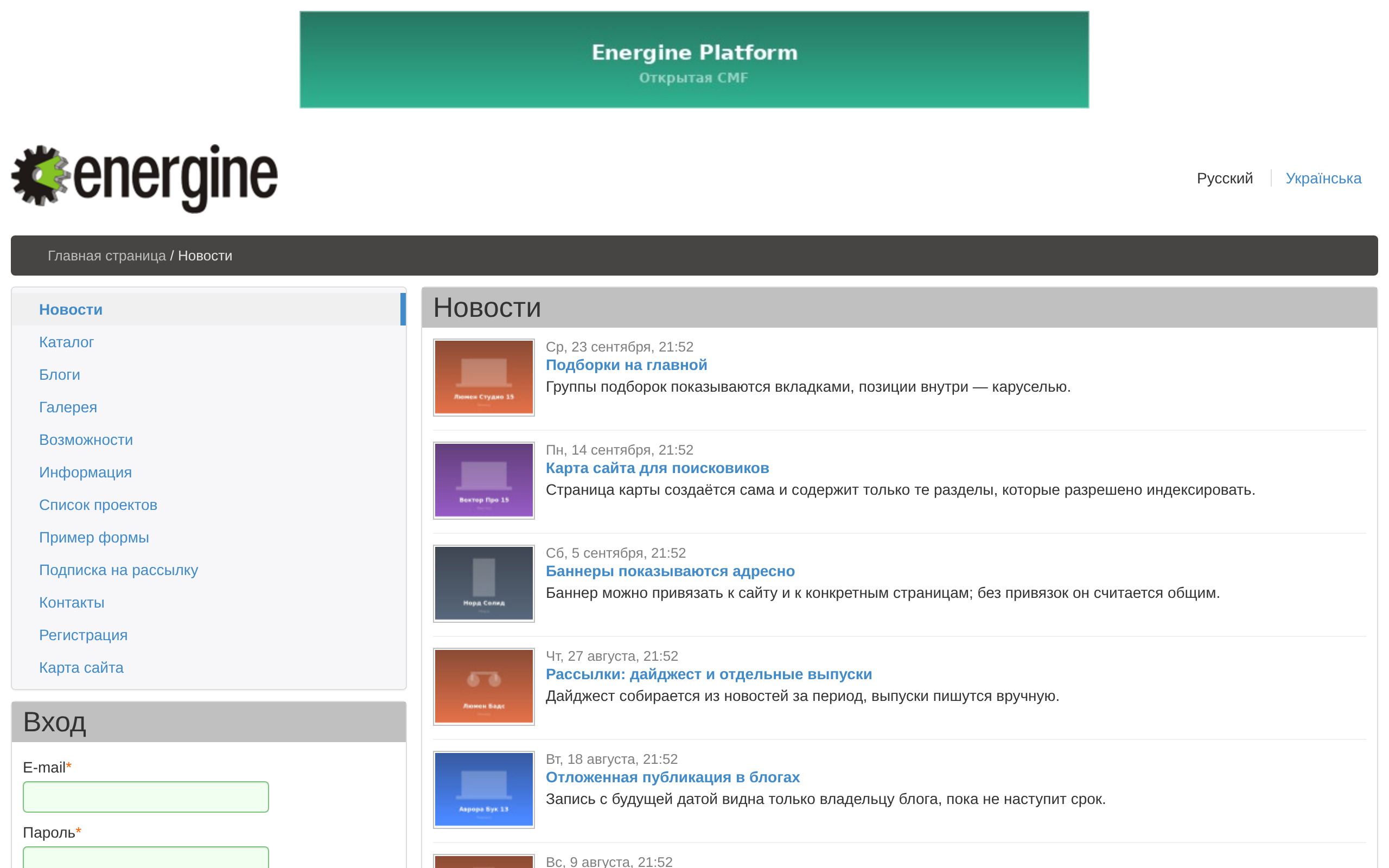
News live in sections: a page with a news template is a news section, and its news have addresses under it. A news item has a date, a title, an announce, a text, attachments and tags in each language.
Writing news
On a news page an administrator has «Добавить новость» (Add news), «Редактировать новость» (Edit news) and «Удалить новость» (Delete news); in edit mode titles and texts are edited in place. The form has «Заголовок новости» (News title), «Анонс новости» (News announce), «Текст новости» (News text), «Дата новости» (News date), «Публиковать новость» (Publish news) and the segment; an empty segment is made from the title.
«Редактор новостей» (News editor, /admin/news-editor/) lists the news of all sections, with a filter on the title, the date and «Публиковать новость»; the section is chosen in a tree.
Unpublished news and news with a future date are seen only by users who may edit the page.
The news page
news.content.xml — «Список новостей» (News list) — places:
NewsFeed— the list, ten news per page; a date archive at<page>/<year>/<month>/<day>/; a news item at<page>/<id>--<segment>/; a tag's news at<page>/tag/<id>/; an RSS feed of the latest 50 at<page>/rss/;SimilarNews— news with the same tags under the open item;- comments on news — see Comments;
- the page's subsections.
The home page's block «Краткие новости» (Short news) shows the five latest news of all sections.
Calendar and tag cloud
The shipped news page has neither. NewsFeed adds a month calendar with the param hasCalendar set to 1, and the tag cloud is the component Energine\apps\components\TagCloud, bound to the feed with its param bind: add them in a template of your own.
Data
apps_news, apps_news_translation, apps_news_tags, apps_news_uploads and apps_news_comment. A news item belongs to its section: deleting the section deletes its news. An empty site has no news page — give a section the template «Список новостей»; the demo content has /news/.